Scaling Asset Creation for YouTube Shorts with a Custom App
How creating our own tools allowed us to test and learn faster
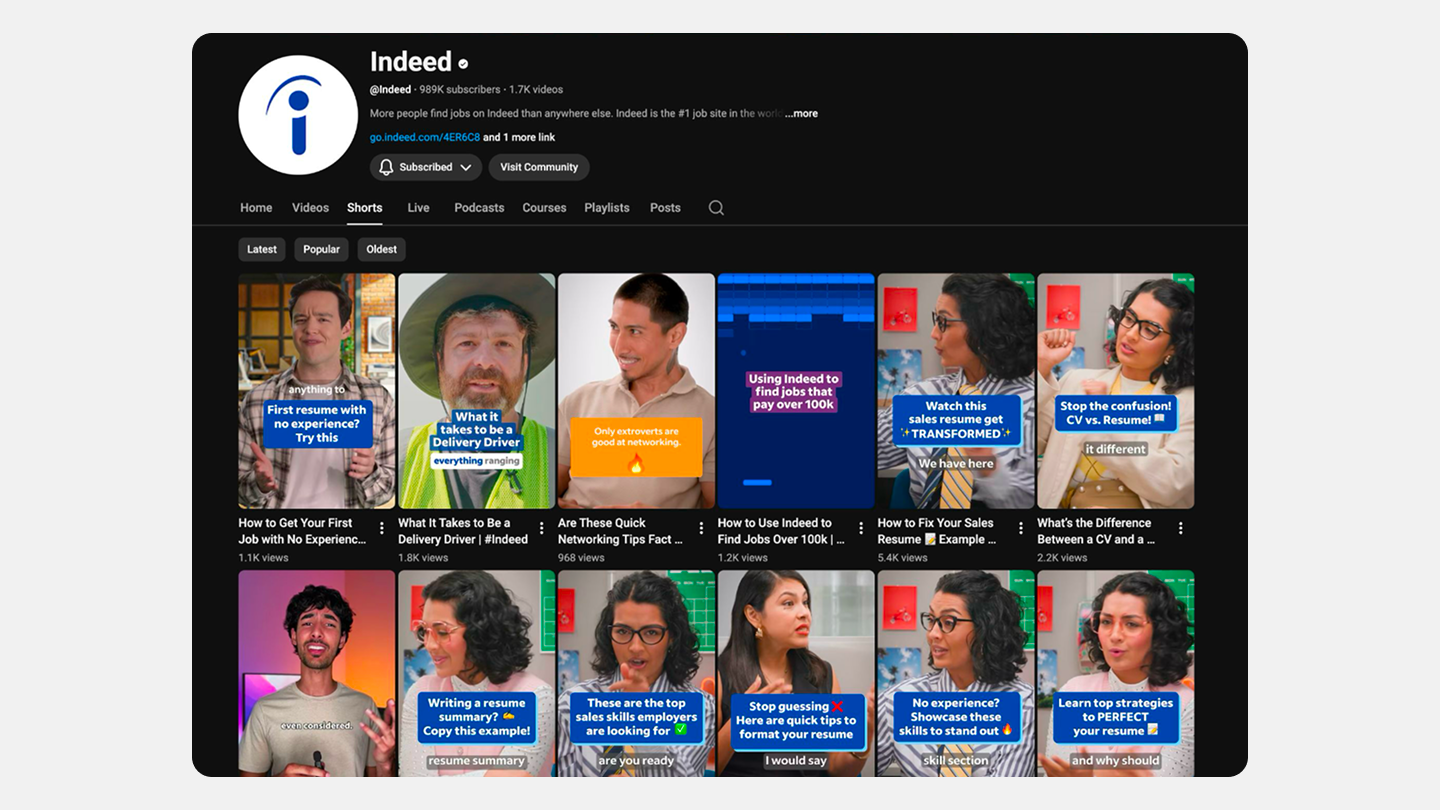
Indeed's YouTube Shorts came primarily from high-production video shoots. But, when we started to create content based on podcast audio clips, we needed a way to test what types of visuals perform best on the platform, Manually creating these visuals at scale wasn't feasible in our current workflow.
As Creative Technologist at Indeed Creative, I developed a custom web-based tool enabling anyone on the team to create these assets quickly and consistently.
The Challenge
Need: Move faster and test podcast audio clips paired with 'brain rot'-style animations for YouTube Shorts
Constraint: Manually creating enough visuals was too specialized and time-consuming for the required volume. Each video needed synchronized waveforms, captions, speaker info, and animated backgrounds.
Question: Could we build a tool to automate asset creation at scale while maintaining brand consistency?
The Approach
We used the Cursor IDE to develop a custom web-based application that democratized the creation process—enabling anyone to produce YouTube Shorts assets without After Effects expertise or design skills.
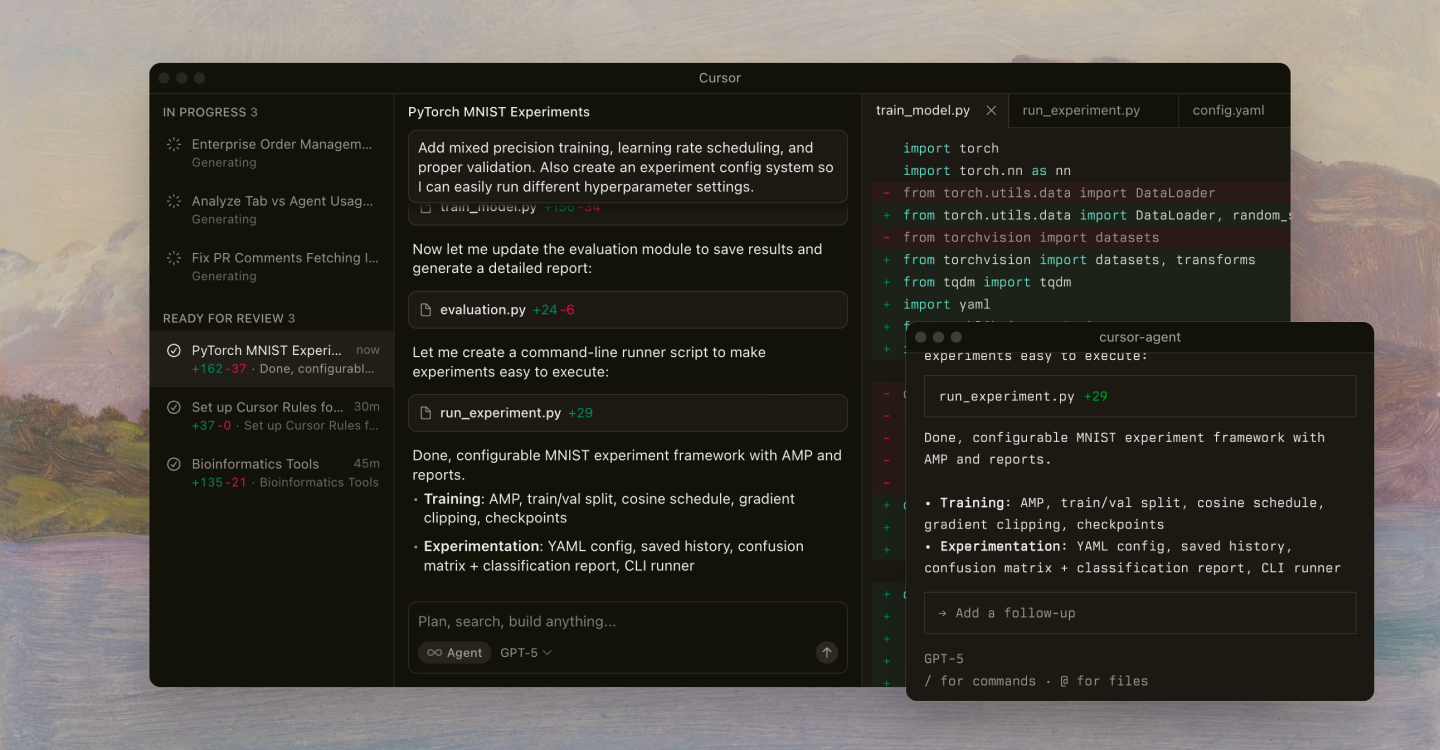
Advantages of Cursor:
- AI-powered IDE that accelerated development
- Already approved for use at Indeed with proper API key management
- Access to Claude, which excels at creative coding needed for 'brain rot' visualizations
- Rapid iteration through code generation and command line integration
- Strong internal support for troubleshooting
The Results
A web-based application available to Indeed employees worldwide that transformed a manual, expertise-dependent process into an accessible workflow for anyone on the team.
Features
- Upload audio and auto-transcribe using OpenAI's Whisper API
- Dynamic waveform visualization synced to audio
- Gallery of generative background animations with brand-approved color palettes
- Speaker images with customizable names and job titles
- Individual layer exports (background, captions, speaker info, waveform)
- Real-time preview before export
The tool created an on-brand interpretation of 'brain rot' visuals, bridging the hyperactive tone of the trend with Indeed's polished, professional identity.
The Workflow
- Custom Podcast Visualizer Tool: Create video with separate layers (background, captions, speaker info, waveform)
- Adobe After Effects: Adjust caption timing, positioning, and colors
- Asana: Review with partners and stakeholders
- YouTube Shorts: Upload approved asset
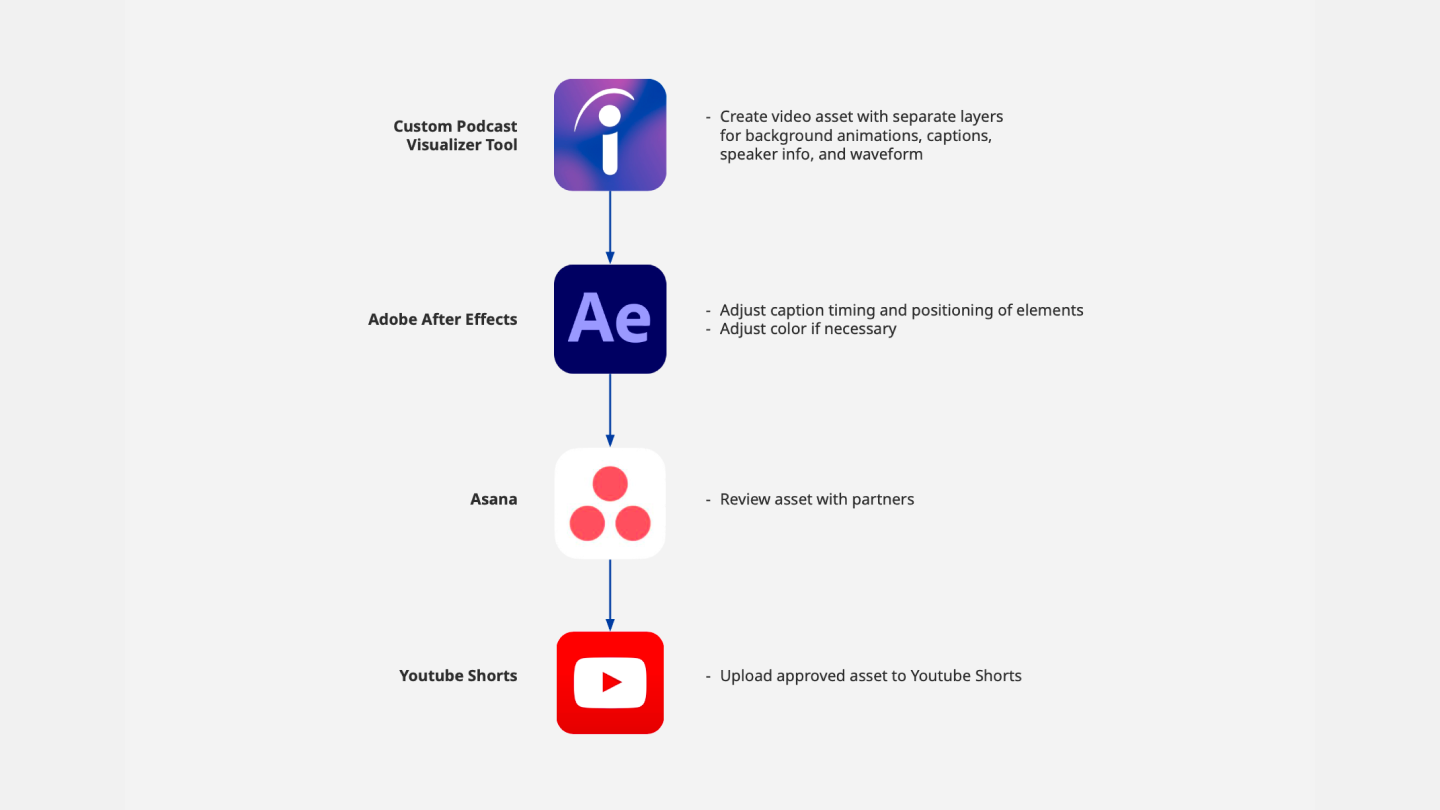
This workflow maintains quality control while dramatically reducing time investment. What took hours of specialized work now takes minutes.
The Impact
By operationalizing podcast audio visualization with custom apps, we transformed a production bottleneck into a scalable advantage. The tool enables Indeed to:
- Test more content formats faster
- Maintain brand consistency at scale
- Reduce specialized expertise required for production
- Open creative possibilities that weren't feasible before